
Trim and cut video
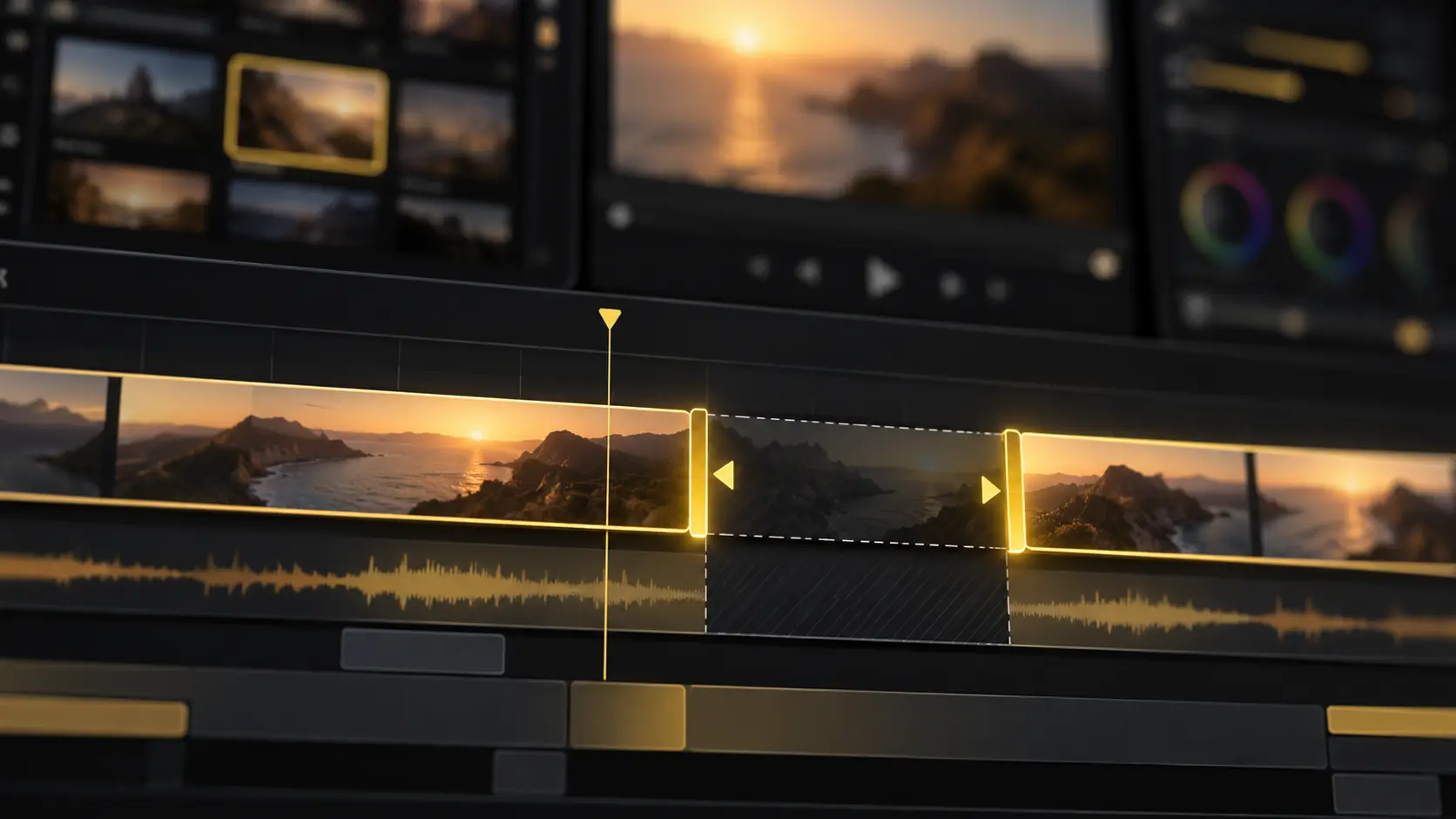
Cut mistakes, awkward pauses, or anything you don’t need. Trim clips by dragging, or delete a sentence from the transcript to cut it from the video.
Built for YouTube video editors, YT Create offers a professional-grade timeline where you and AI agents work together to shape your cut, refine sound, grade colour and add captions and effects in one place.
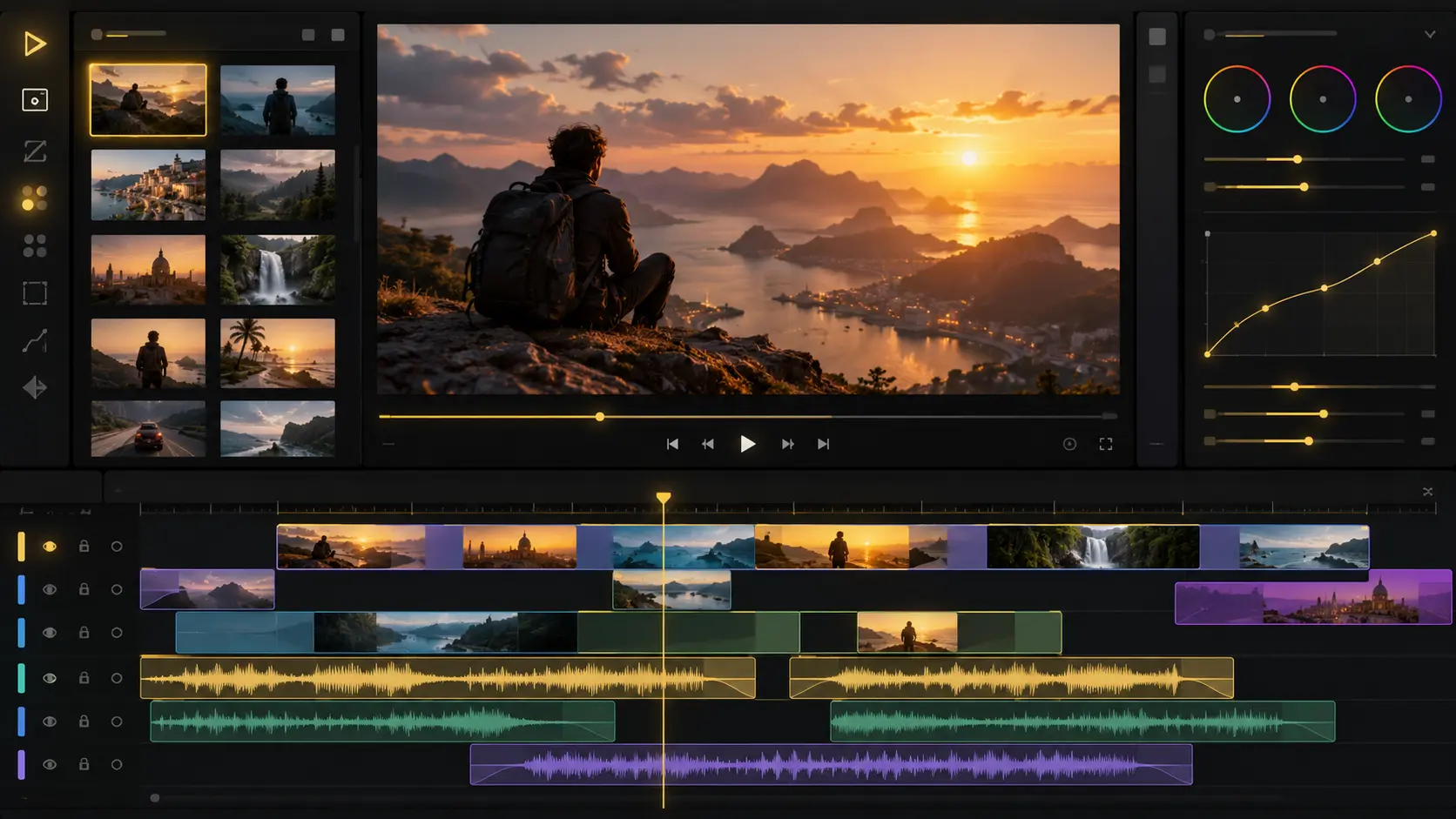
Cut mistakes, awkward pauses, or anything you don’t need. Trim clips by dragging, or delete a sentence from the transcript to cut it from the video.
Resize your video vertical for TikTok, square for Instagram, or fit any other aspect ratio using safe zone presets.
Speed up dull moments or slow down key ones with smooth playback.
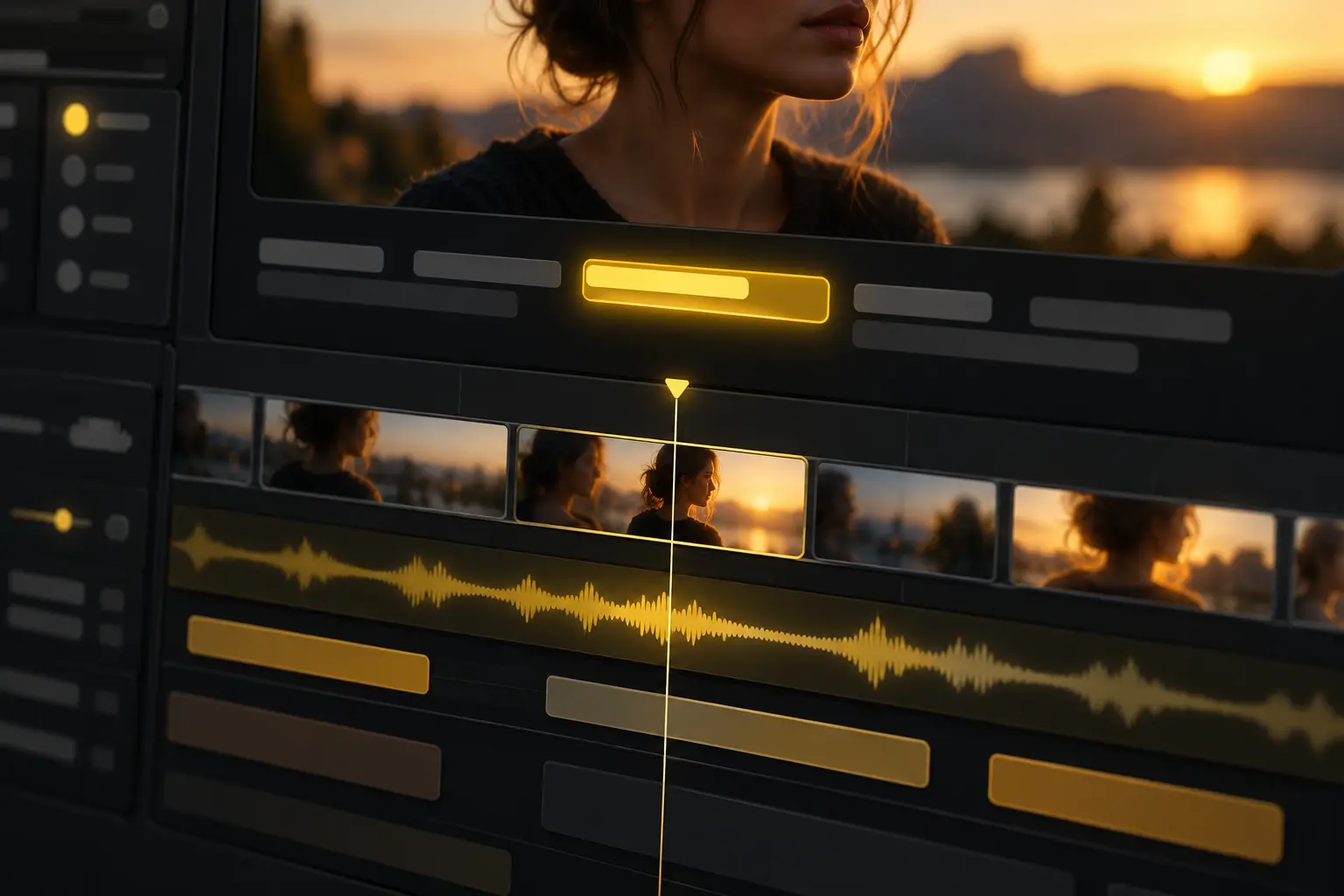
Add captions automatically and keep them synced as you edit. Choose a preset style, edit the text, or use your own fonts.
Add music, record your voice, or use an AI voiceover.
Change the image, video, or scene behind your subject. Use AI to replace backgrounds without a green screen.
Bring videos, photos, music, and other media into one edit. Arrange, trim, and layer them on the timeline, or ask AI to do it for you.
Stabilize shaky footage for smoother, steadier shots.
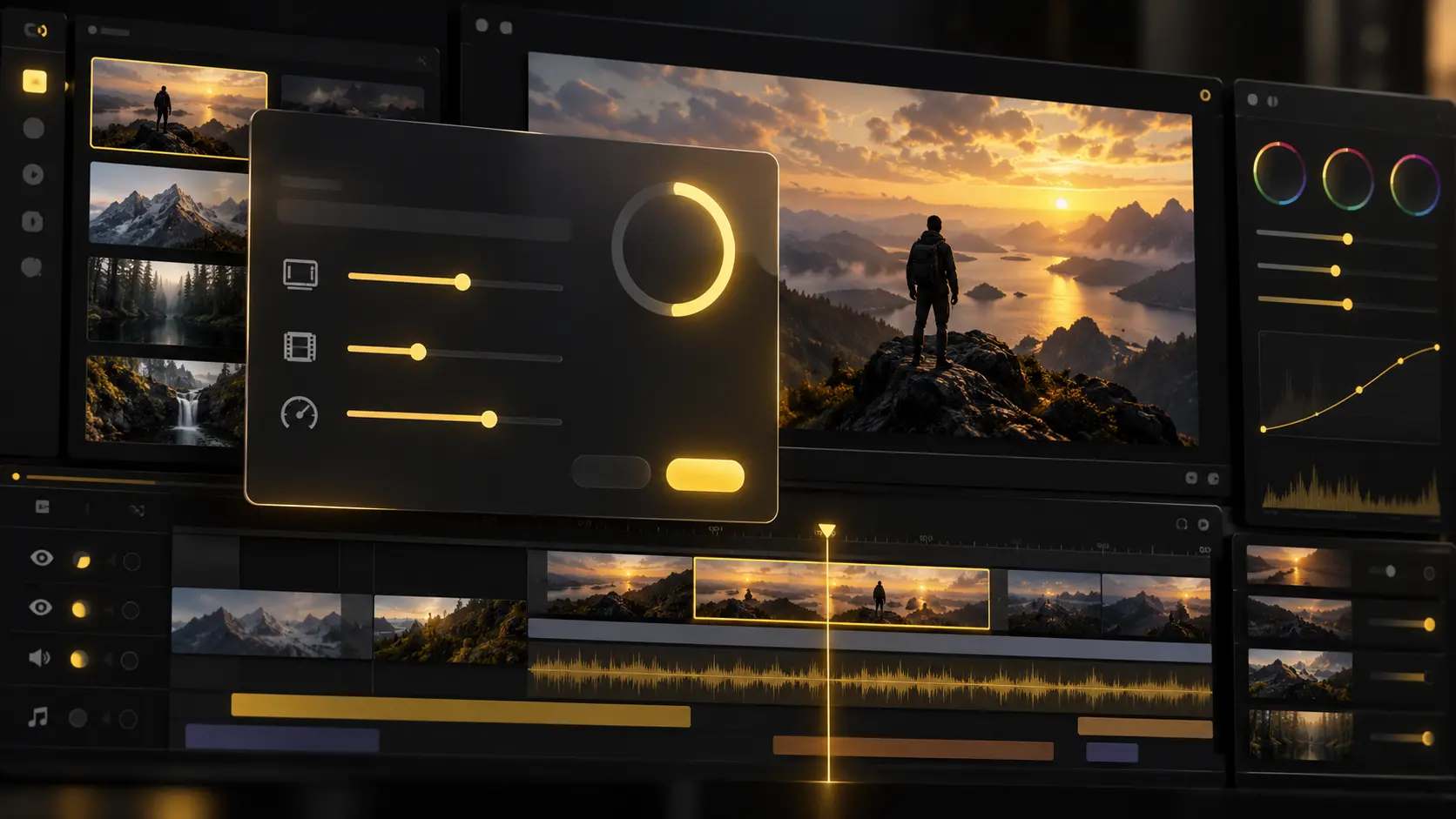
Create and edit YouTube videos with everything you need in one place, from AI generation and timeline editing to captions, audio, effects, and resizing.
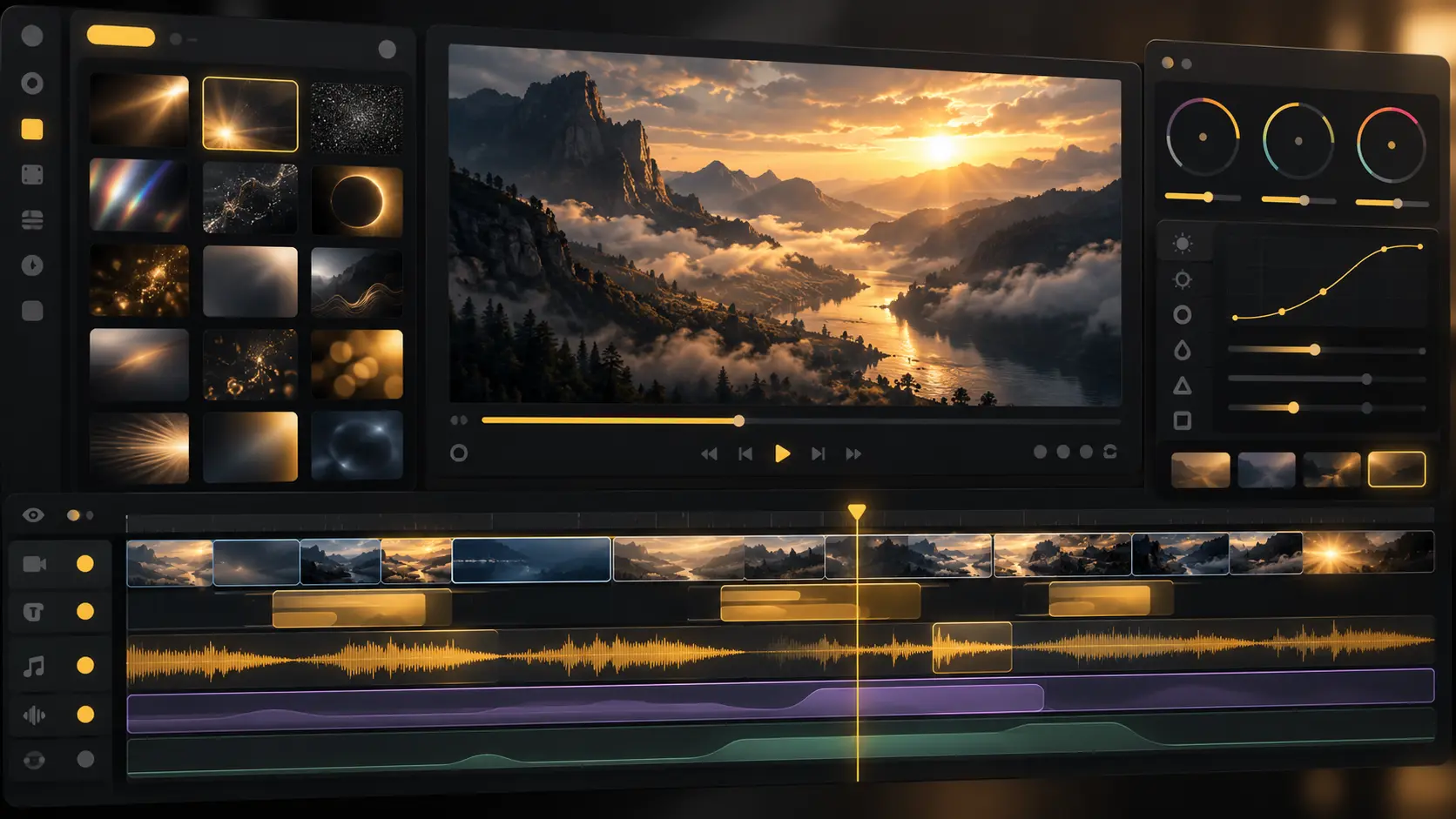
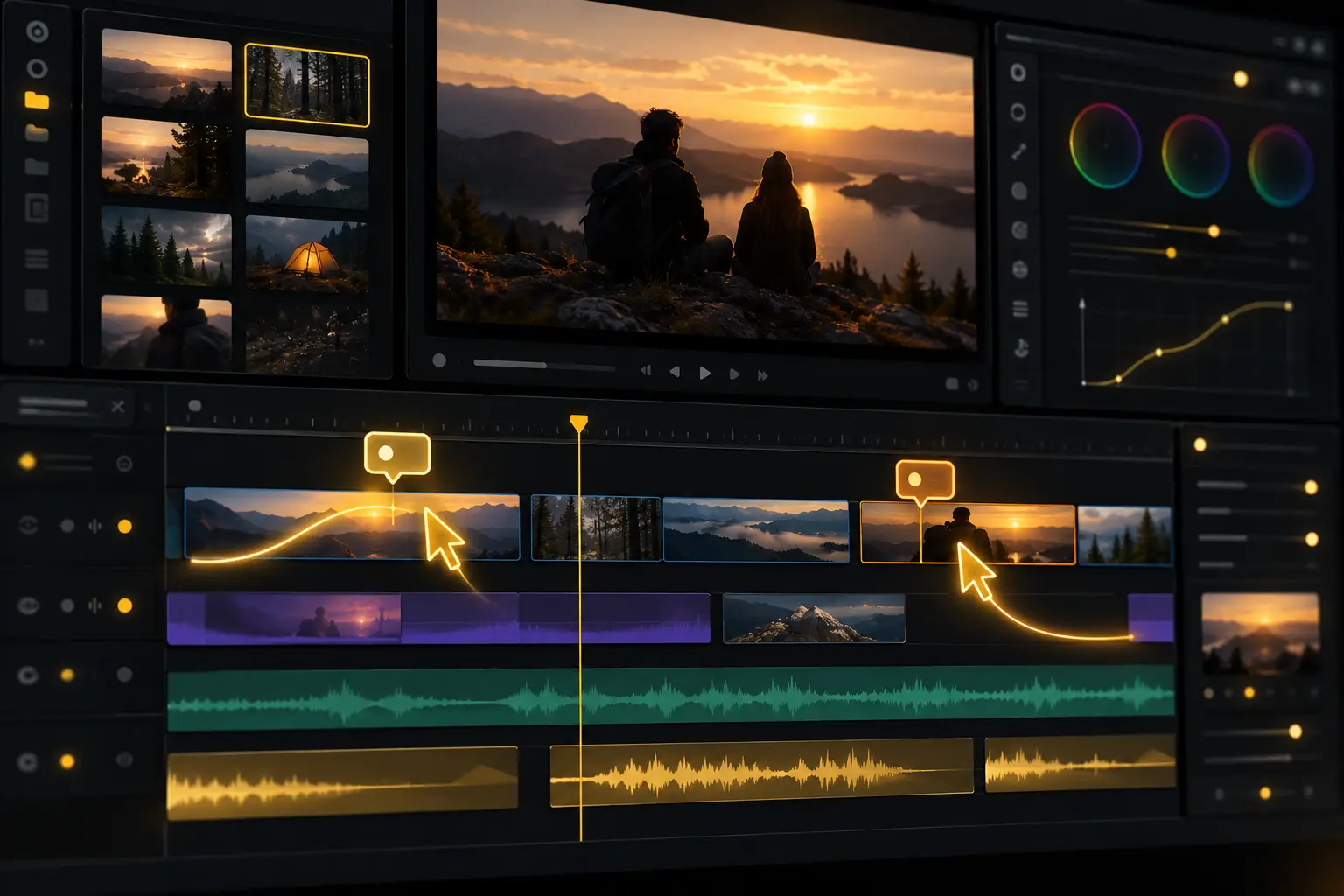
Edit together on the same timeline, like a Google Doc. Share a link, make changes in real time, and leave comments at exact moments, without sending files back and forth.
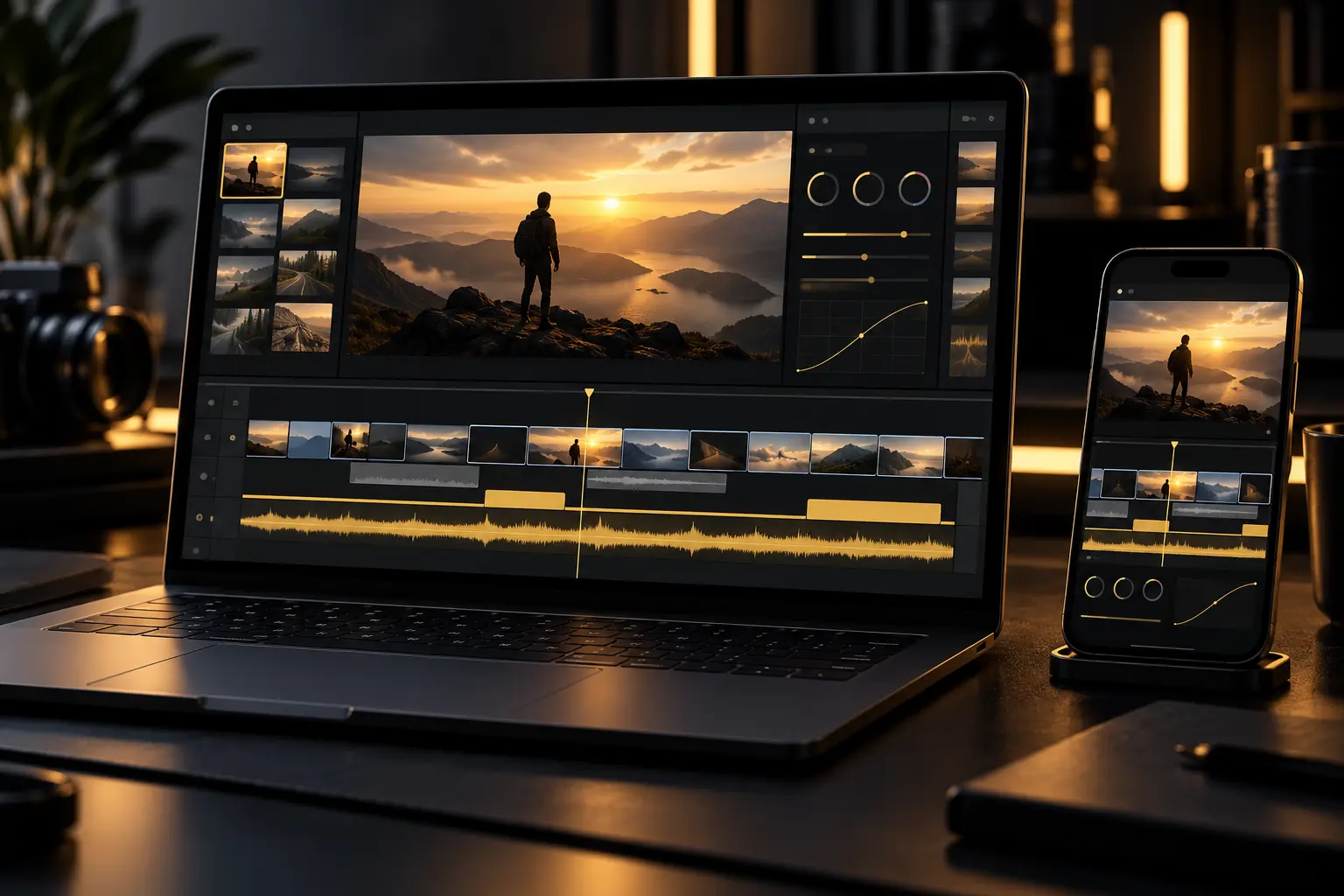
Edit across your laptop, tablet, phone, or multiple screens. Your project stays synced, so you can pick up right where you left off.
YT Create's AI agents handle the busy work while you focus on the creative direction.
AI agents analyze and log every take by dialogue, actor, prop, and camera angle, so you can find any moment without scrubbing through hours of footage.
Filler, silences, and flubbed takes are removed as AI assembles the best takes into a first cut on your multitrack timeline.
Mark the first few beats, and AI carries the pattern through the track, cutting your shots to the music.
Share an edit you admire, and AI applies its pacing, structure, and style to your footage.
Connect the agent you already use to YT Create's editor. It trims, grades and mixes on your timeline while you watch every change land.
Animate anything on any clip, frame by frame. Transform, zoom, position, rotation, crop, opacity, effect parameters.
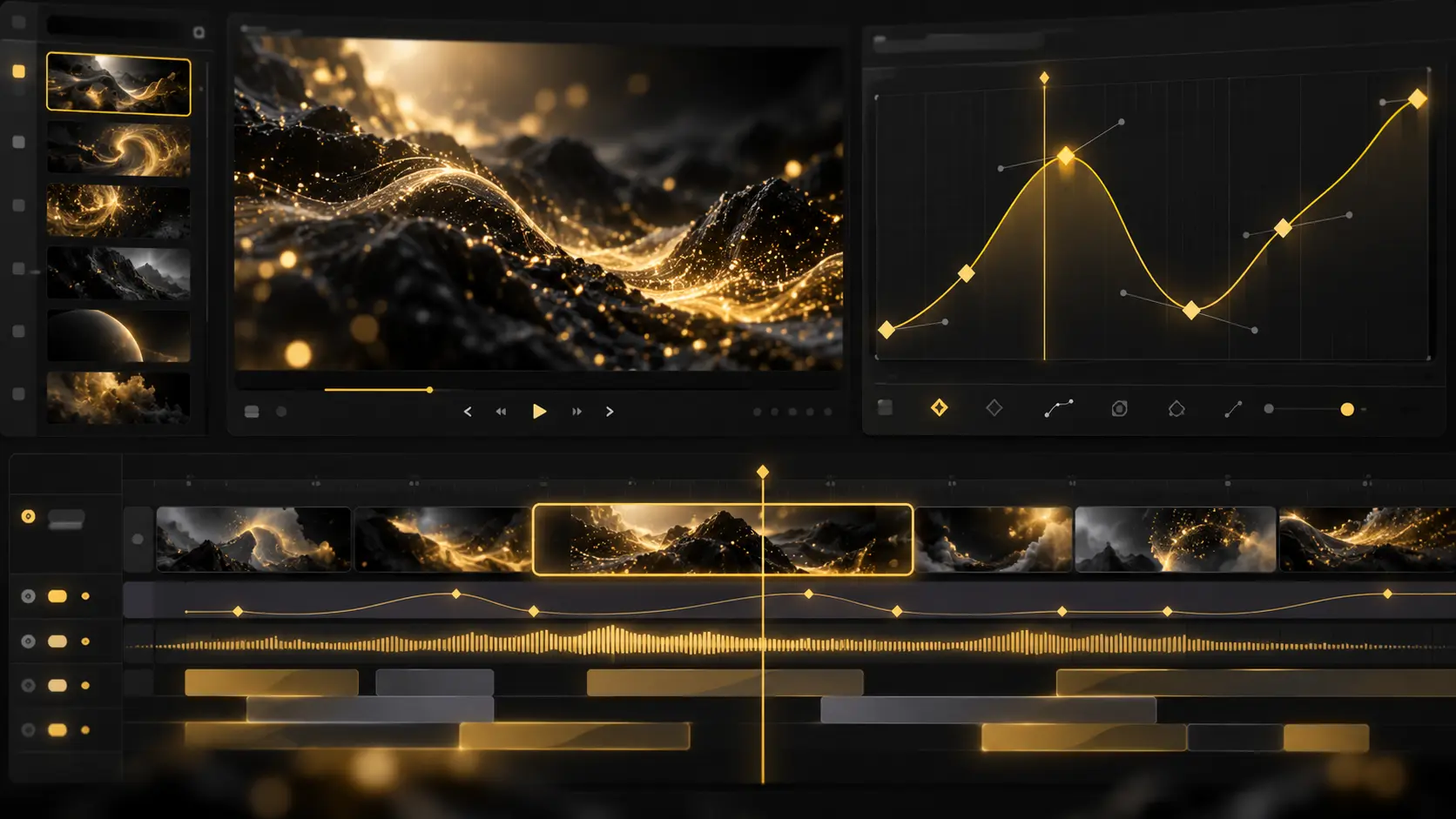
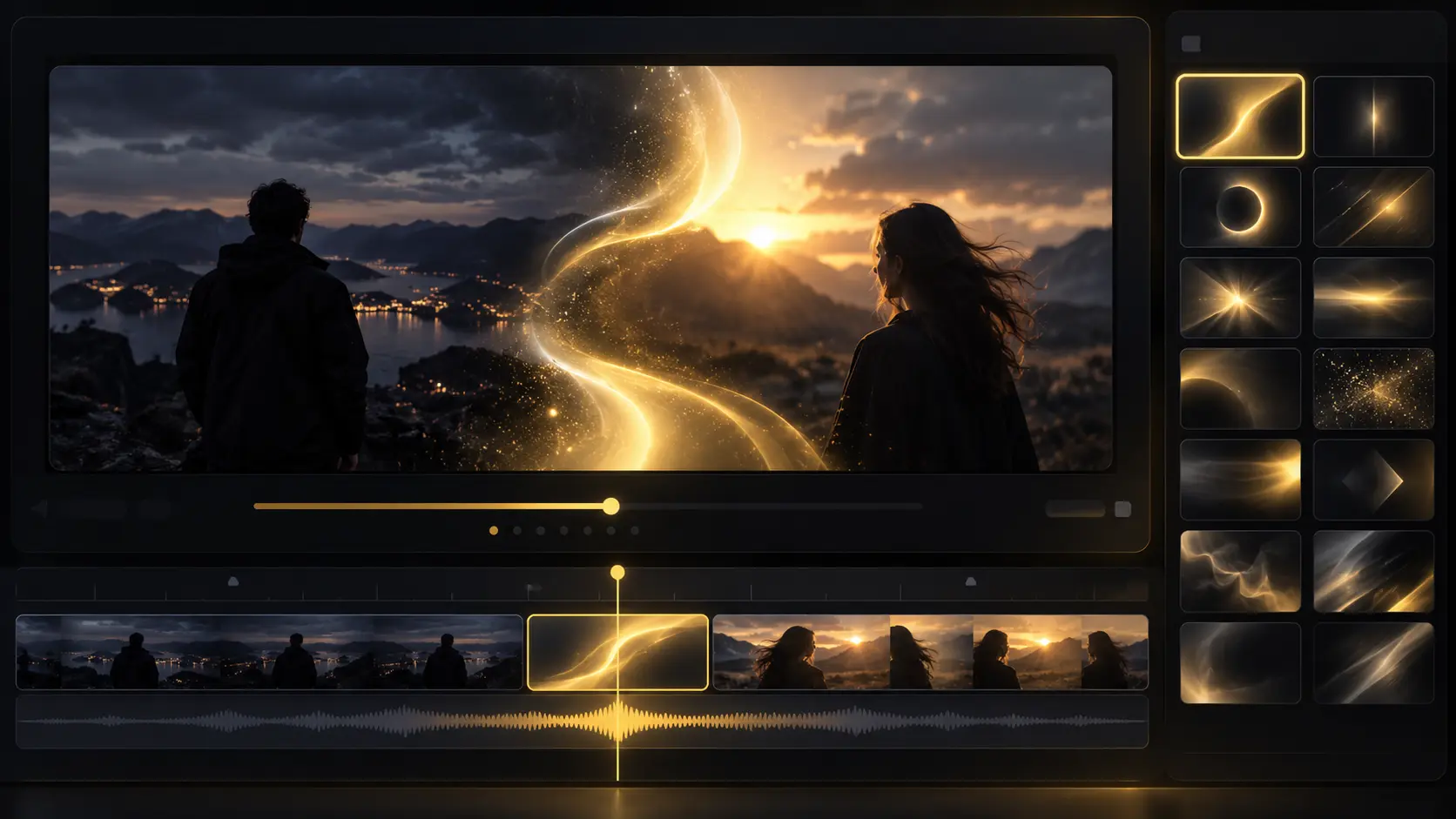
Build titles, transitions, and effects on the same timeline, animated with the same keyframes. Full effects and transitions libraries, text, dynamic captions.
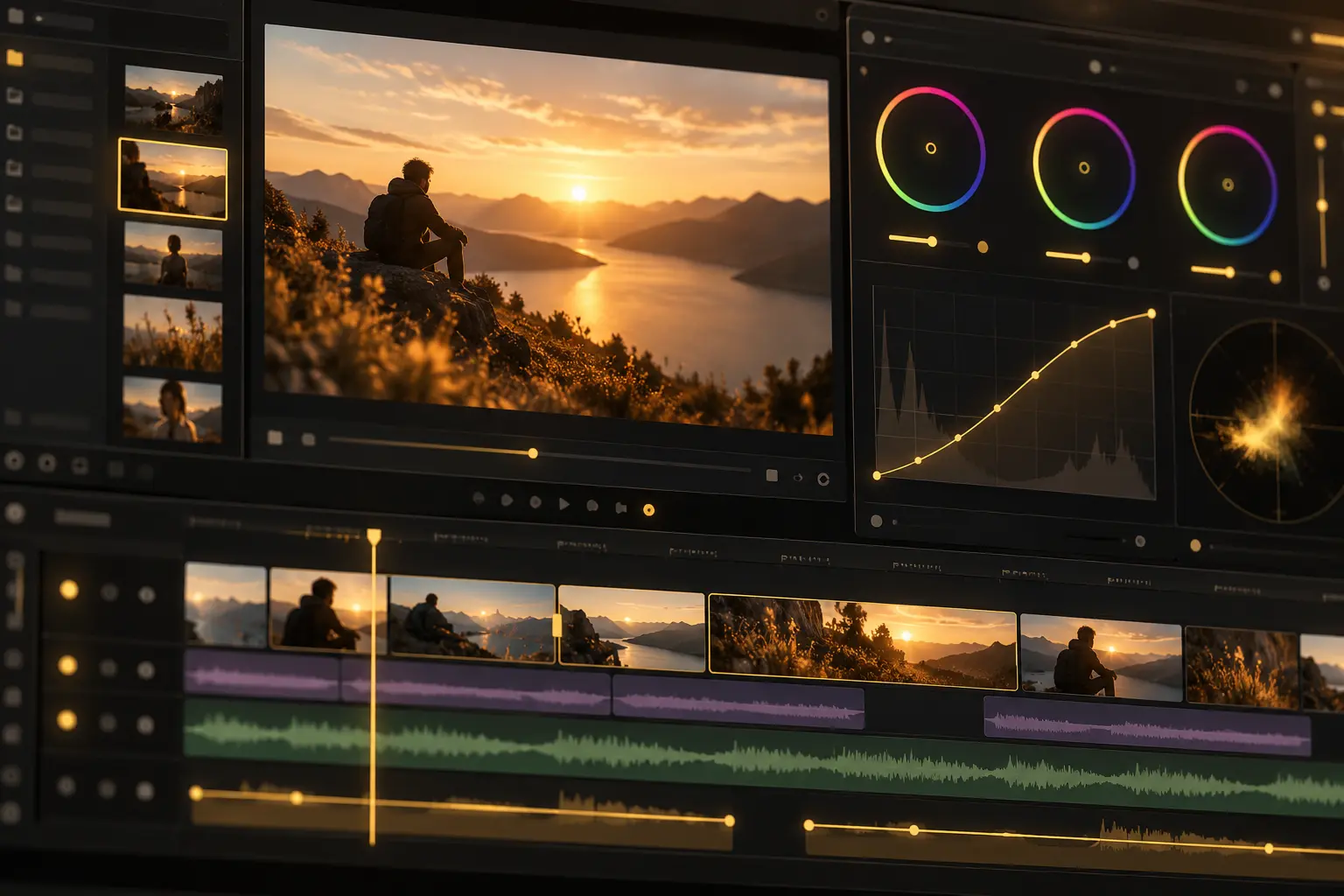
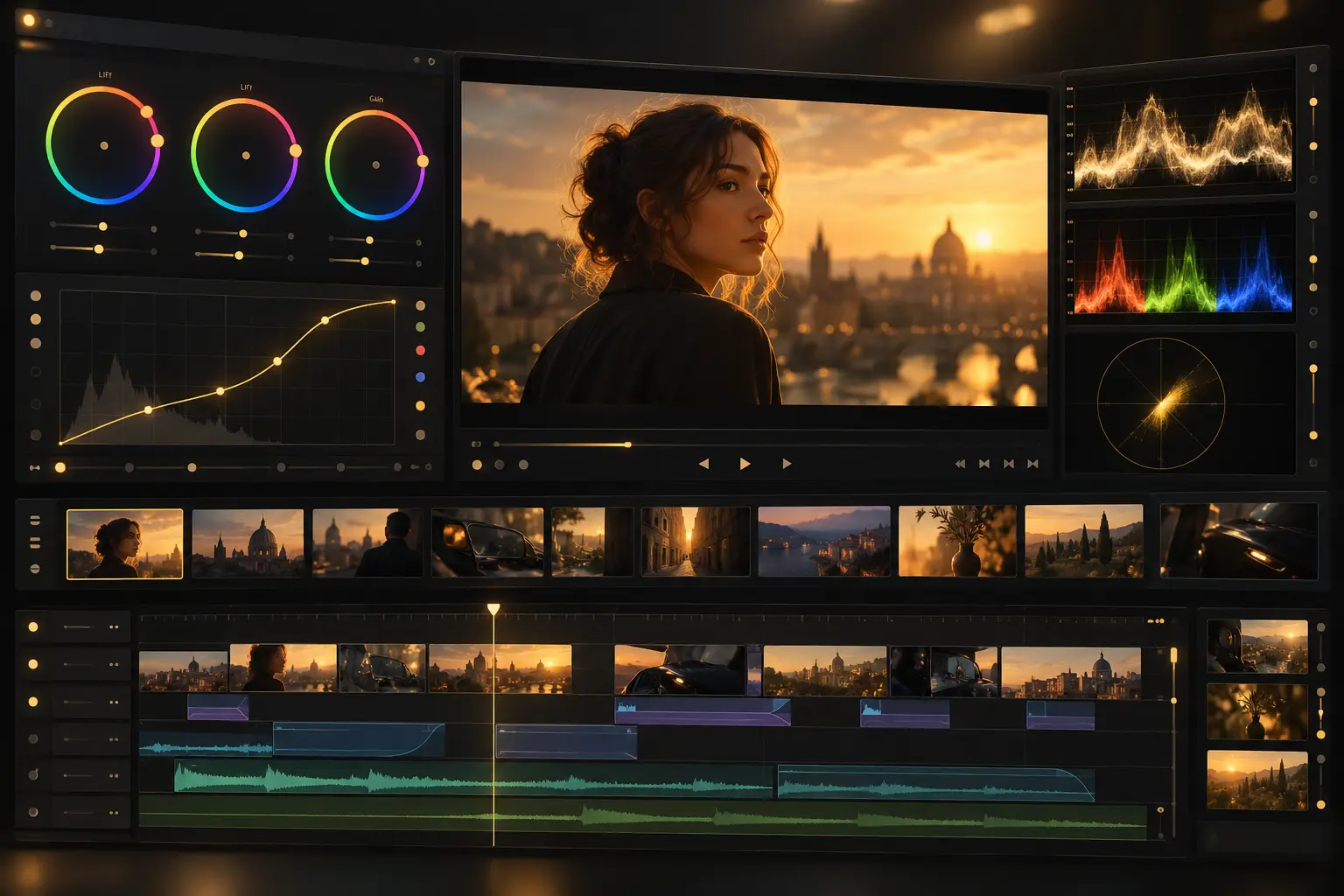
Grade the way a colourist does, beside the cut. Wheels, tone curves, hue and sat curves, qualifiers, LUTs, waveform scope.
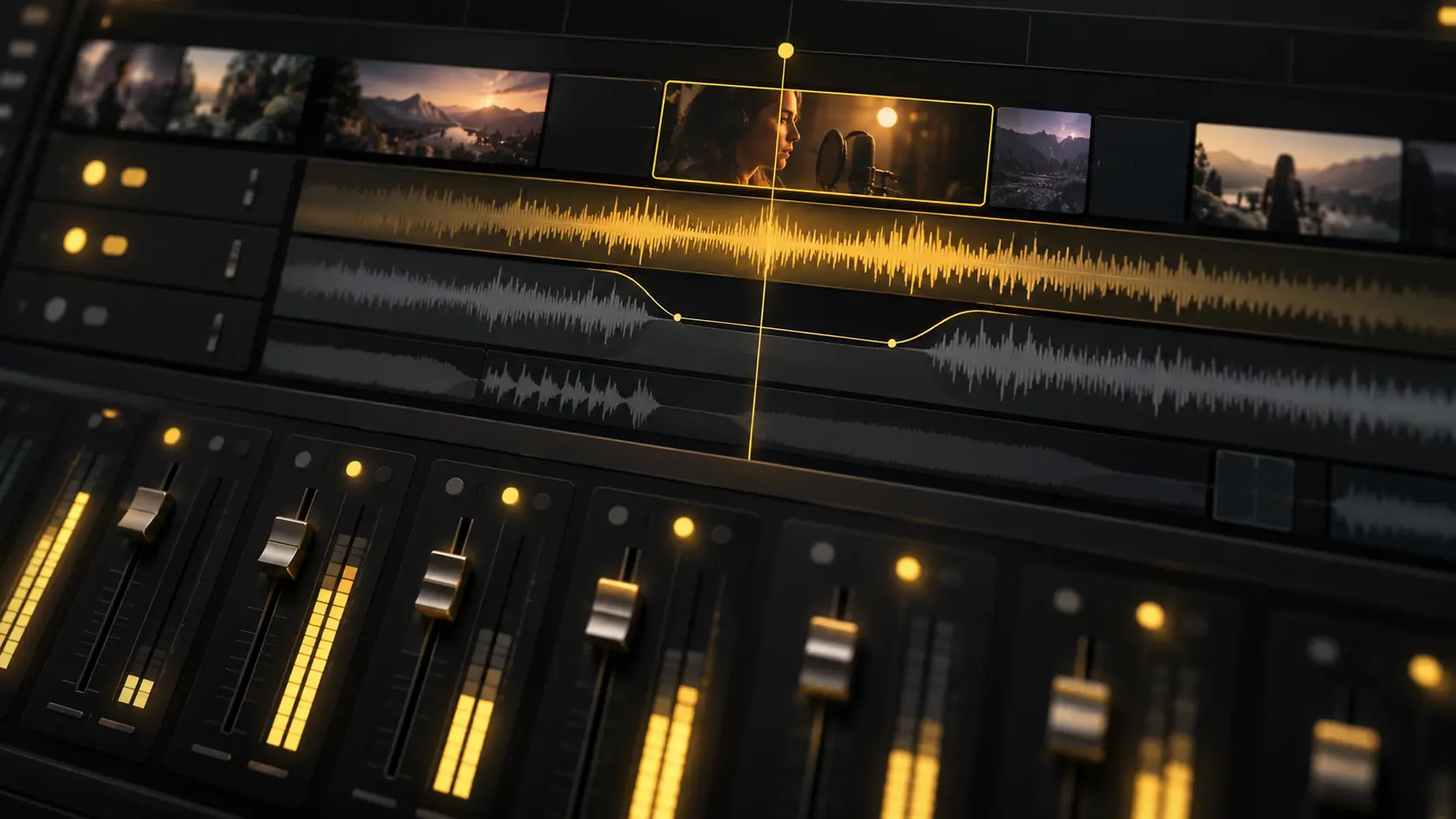
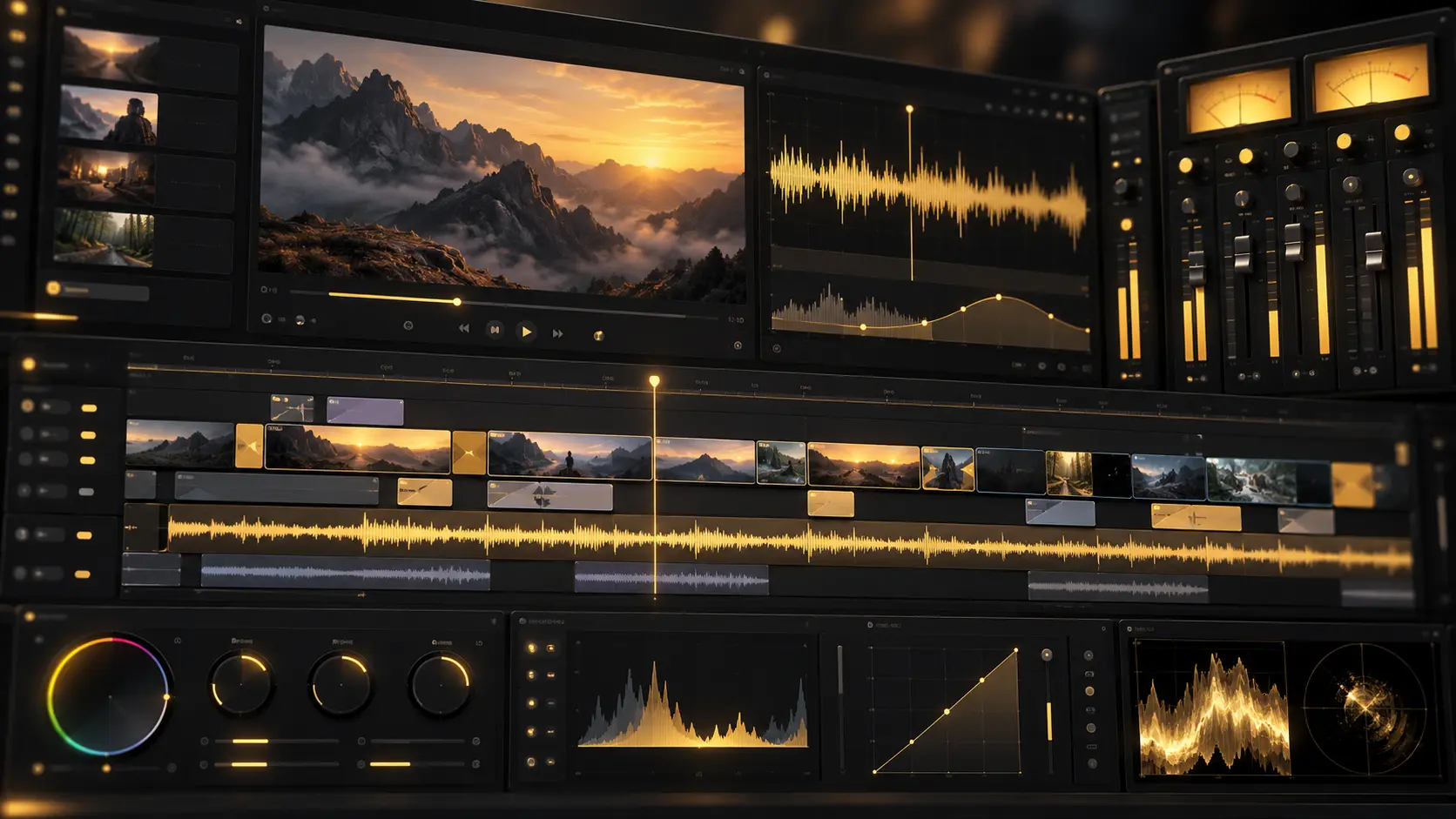
Mix and master without leaving the project. Voice, music, and effects on their own tracks, buses, dB faders, loudness metering.
Export from 720p to 4K, choose 24, 30, or 60 fps, and adjust the bitrate to balance video quality and file size.
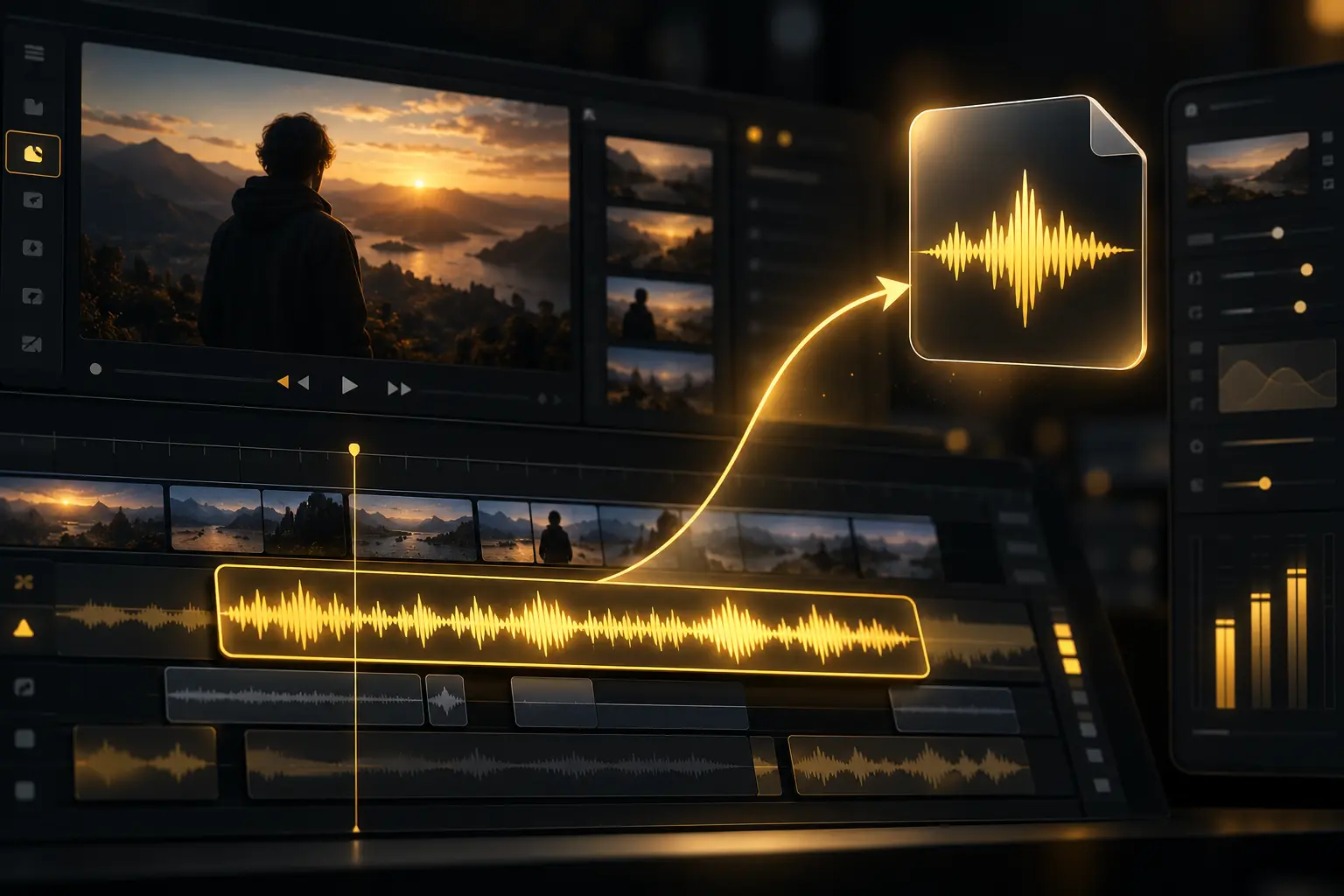
WAV, AAC, or Opus when the mix is the deliverable.
Premiere Pro, Final Cut Pro, or DaVinci Resolve. Cuts and layers intact.
Anyone can scrub the finished cut in the browser and leave frame-accurate comments. The agents can pick the notes up from there.
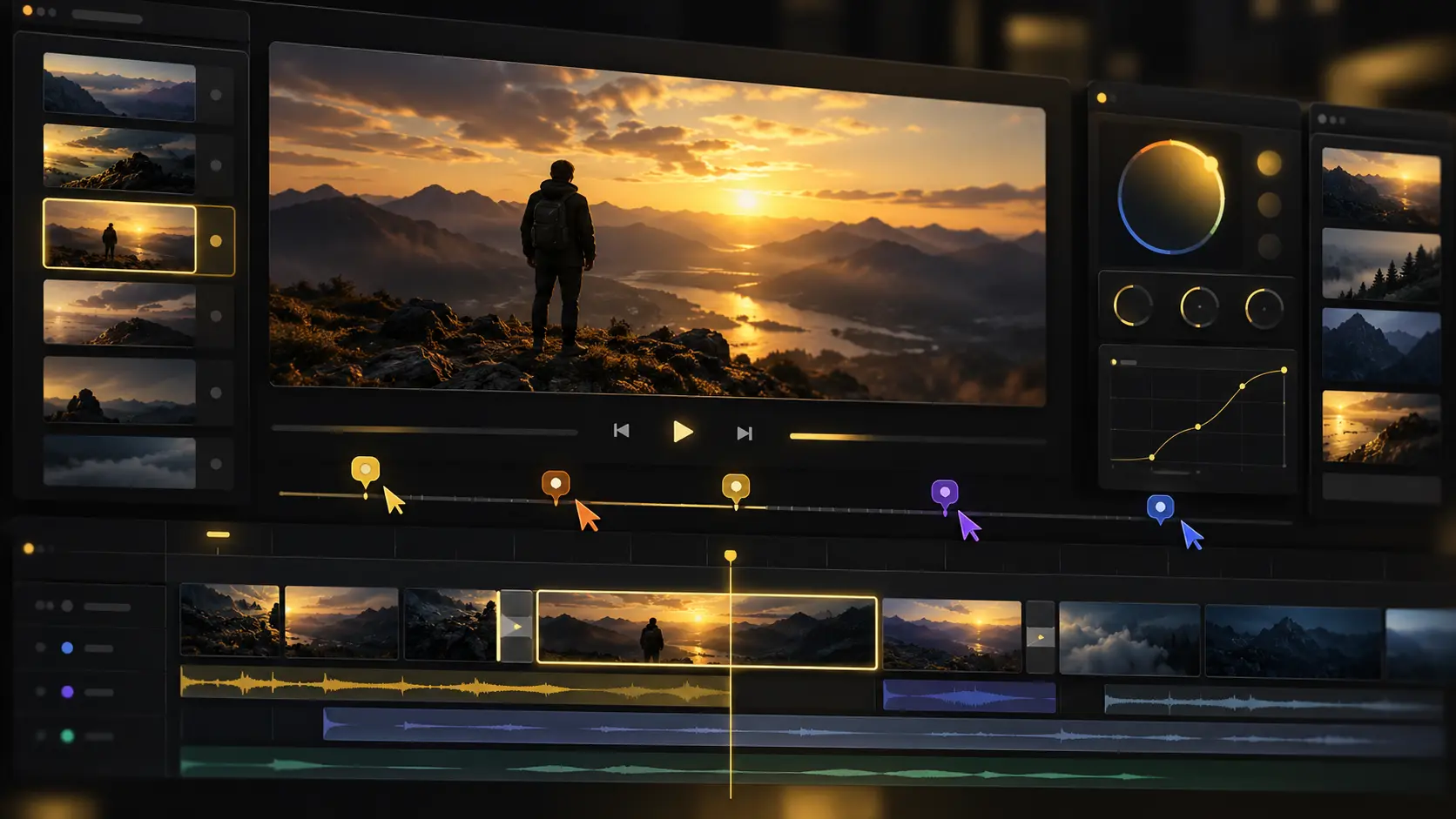
Editing publish-ready video in a few simple steps
Add your video clips, B-roll, music, voiceovers and graphics to YT Create Editor. Organise them yourself or let the agent sort them for you.
Tell the AI agent what kind of video you want. It selects the best takes and builds a first cut on your timeline.
Trim clips, adjust colors, balance audio, add captions, text, music, effects, and transitions.
Turn moments from your video into vertical Shorts, highlight clips, or chapters for YouTube.
Export in up to 4K and publish to YouTube. You can also continue editing in Premiere Pro, Final Cut Pro, or DaVinci Resolve.
Applicable on all annual plans.
Get 50% discountPer seat. Cancel anytime.
per seat/month, billed annually
Get Starterper seat/month, billed annually
Get Plusper seat/month, billed annually
Get MaxIt depends on the edit. YT Create gives you a multitrack timeline in the browser with team access and a free 1080p export with no watermark. DaVinci Resolve offers deep colour grading as a local install. If the video needs more than one editor or AI footage, YT Create covers both without a subscription.
Open YT Create in any browser. Import footage, edit on the timeline, add captions, grade colour, drop in chapters and export. The project saves to the cloud.
MP4 with H.264 at 1080p minimum. YT Create exports in MP4 by default at up to 4K, matching YouTube's spec.
Drop chapter markers on the timeline where the topic changes. Timestamps export formatted for YouTube — paste them in the description. First chapter must start at 0:00 with at least three total.
Yes. Branch a 9:16 version from your long-form edit. Reframe tracks the subject through the vertical crop. Trim to under 60 seconds and export.
Your whole team works in one project simultaneously. No file locking, no waiting. Premiere Pro and DaVinci Resolve limit collaboration to review tools or shared drives.
The timeline supports layers, keyframes, speed ramps, colour grading and audio mixing. It differs from Premiere or Resolve in delivery: browser-based, cloud-saved, with AI models on the timeline. Nested sequences and node-based colour grading still favour a desktop editor.
Bring your whole creative process inside YT Create, with the best image, video, audio, editing and language models on tap.